
Your mining, in a single window.
Hash Commander brings the machines on your local network, the pool, the mempool and the price together in a single desktop dashboard. Your data stays on your computer.
v4.6.32 · Windows 10/11
Try the demo in your browser → the real dashboard with made-up data, nothing to install
Everything you need to keep an eye on your fleet
Machines
Finds and shows Bitaxe, NerdQAxe, Antminer/cgminer, Avalon, Goldshell and others on your local network: hashrate, temperatures, power and status.
Pools
Stats from ckpool, public-pool, Parasite and others, next to your machines.
Mempool and price
Block height, fees, difficulty, network hashrate and the Bitcoin price always in view.
Alerts
Alerts via Telegram, Discord and MQTT (works with Home Assistant) when a machine fails or overheats.
Remote access
See the dashboard away from home through Tailscale, without opening ports on your router.
Hashrate market
Rent or sell hashrate to other users, paid over Lightning with a non-custodial Lightning wallet.
Hash Commander OS
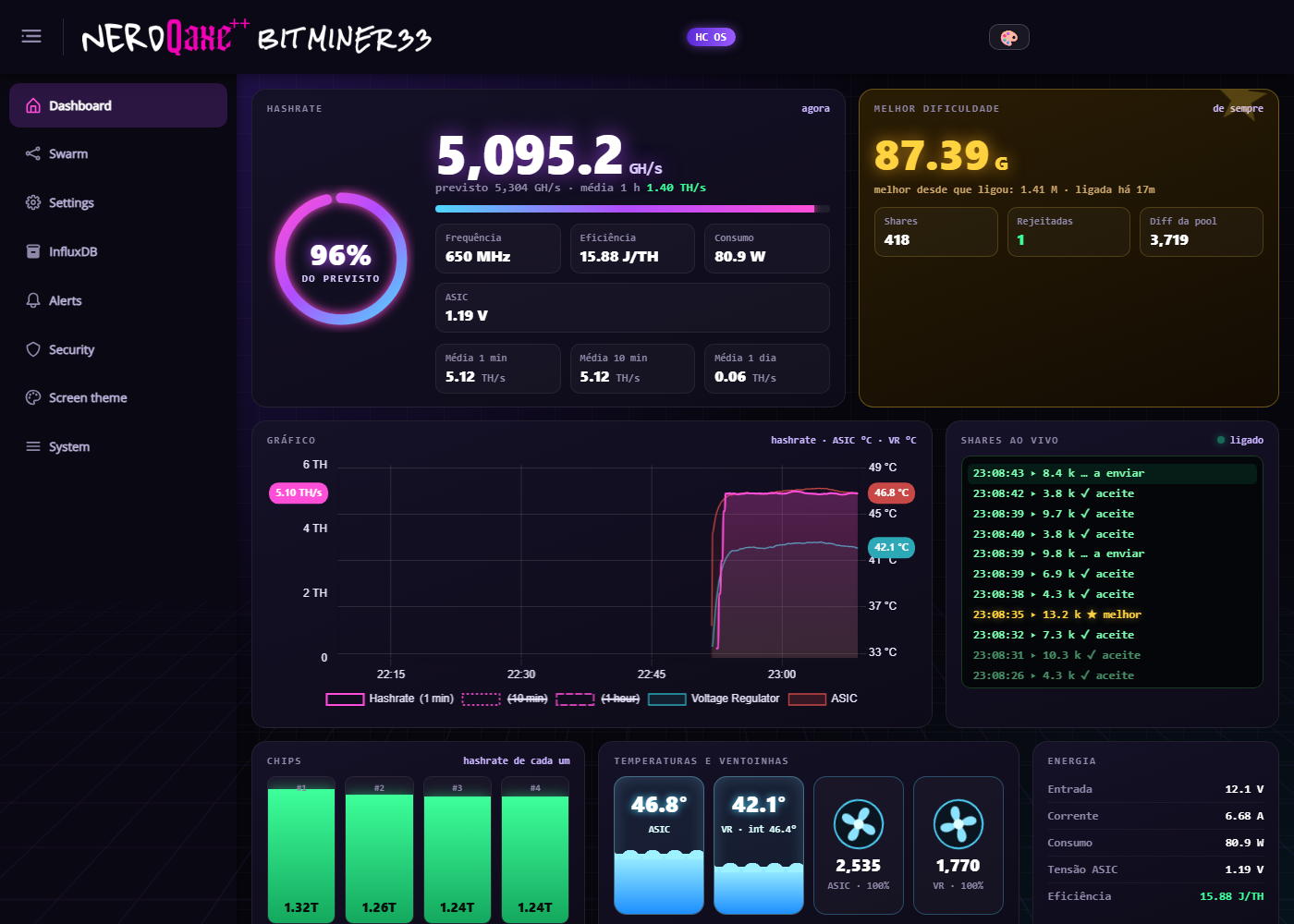
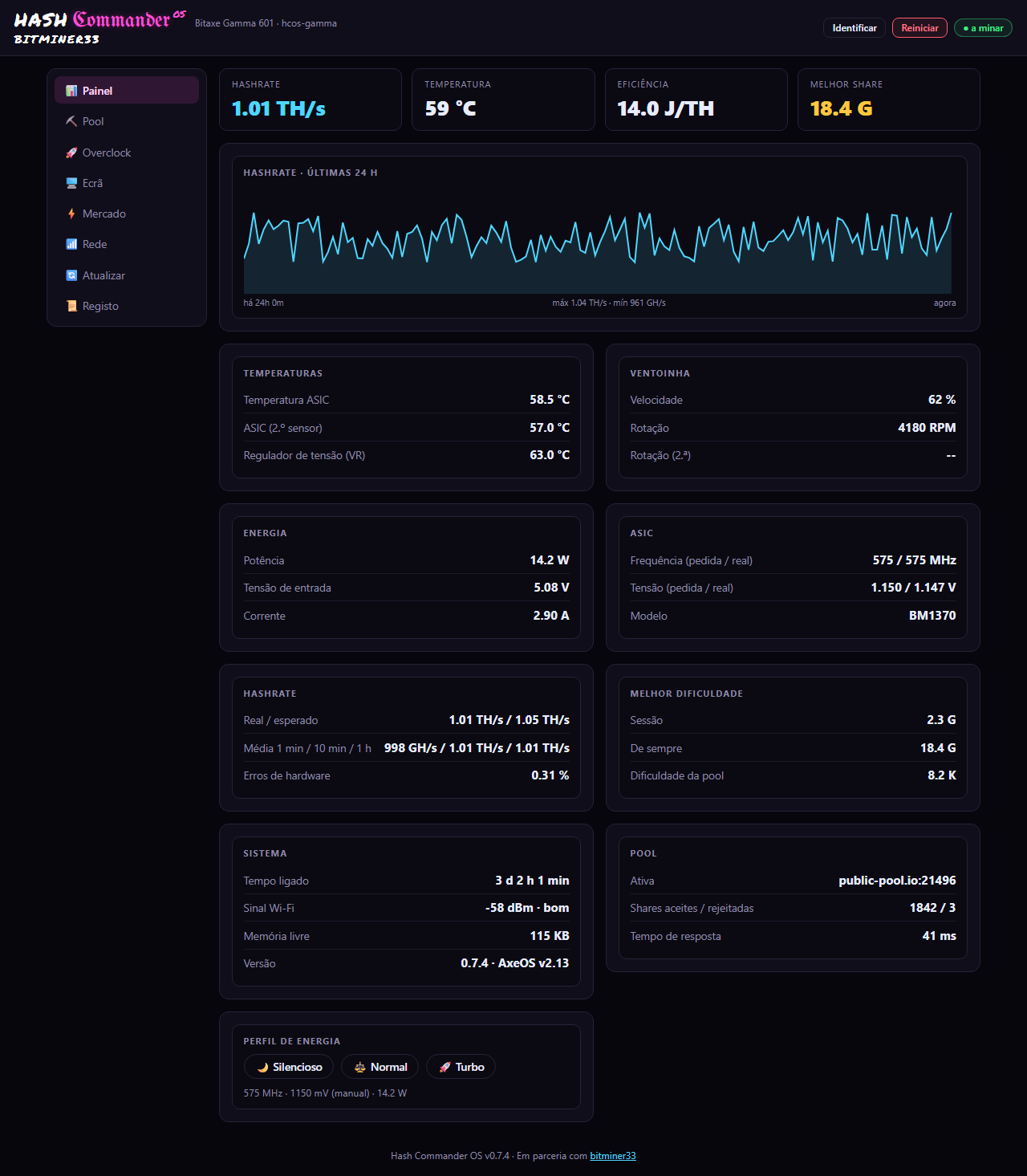
Our own optional firmware for NerdQAxe++ and Bitaxe. Designed to be installed as an OTA update, with no special tools.
- ✓Machine screen with themes
- ✓Its own control page, no AxeOS needed
- ✓Works directly with the app
- ✓Digitally signed firmware files
Current versions: NerdQAxe++ 0.7.3 · Bitaxe Gamma 0.7.7 · downloads and source code
NerdQAxe++ · 1.9" screen Boot 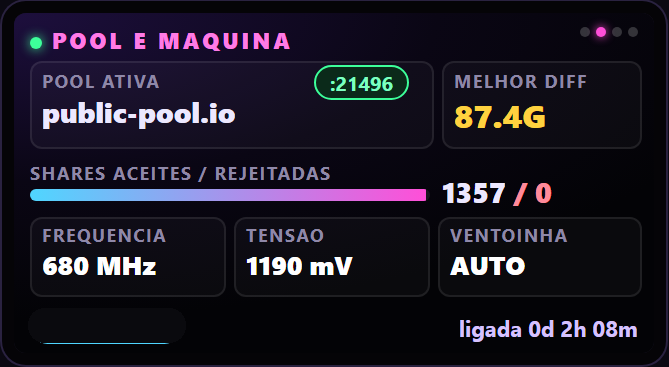
NerdQAxe++ · 1.9" screen Pool and machine 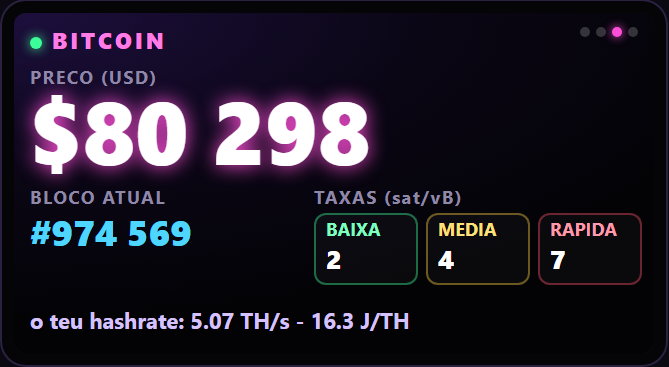
NerdQAxe++ · 1.9" screen Bitcoin: price, block and fees 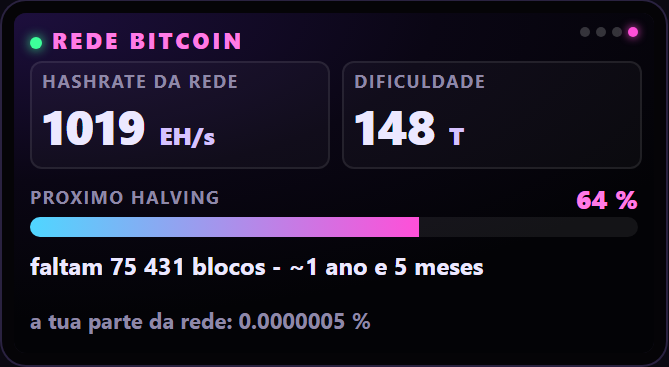
NerdQAxe++ · 1.9" screen Bitcoin network and halving 
NerdQAxe++ · 3.5" screen Boot 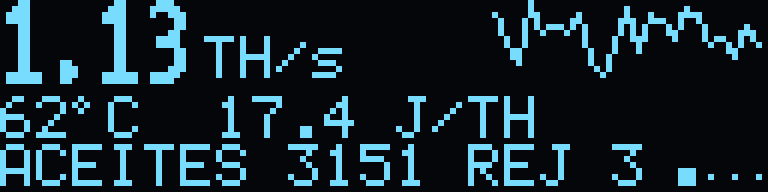
Bitaxe Gamma · OLED Hashrate, temperature and shares 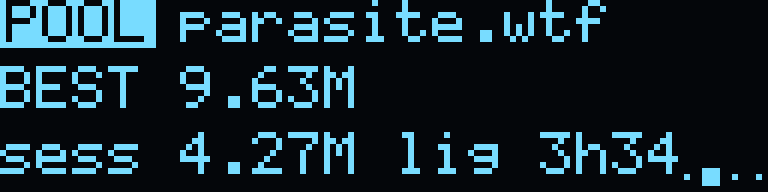
Bitaxe Gamma · OLED Pool and best difficulty 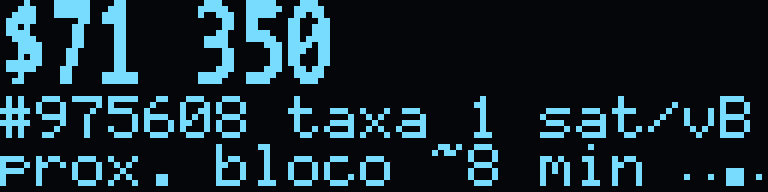
Bitaxe Gamma · OLED Price, block and next block
Images taken from the firmware and real screens; the numbers depend on the machine.
Hashrate market
A market between users, connected by Nostr messages, where people with machines can rent hashrate to people who want to mine on their own pool. Payments are made over Lightning.
The seller publishes the offer on Nostr relays: hashrate (TH/s), maximum duration and price in sats.
You pay per minute as the hashrate arrives, or all at once. The app's Lightning wallet is non-custodial.
The seller's app points the machines at the buyer's pool during the rental and restores everything at the end.
Your data stays with you
All local
Settings, machines, history and alerts are stored in files on your PC. No account is required and no server of ours keeps your mining data.
Signed updates
The app only installs files with a valid digital signature. If the signature fails, it does not install.
No tracking
This site uses no advertising cookies or analytics tools. Read the privacy policy.
Three steps
Open the file
If Windows SmartScreen warns you, click More info and then Run anyway. This happens with new or little-known programs.
Open the app
Follow the wizard and add your machines. The dashboard opens in your browser, on your computer.
Run on Linux (64-bit)
Works on Ubuntu 22.04 or newer and on most distributions.
chmod +x HashCommander-*.AppImage
On a home server (Umbrel or Docker)
For an always-on server with no screen. The dashboard opens in the browser, on port 8765.
1. In Umbrel, open Settings › App Store › Community App Stores and paste this address:
https://codeberg.org/hashcommander/umbrel-apps
2. Click Add, open the Hash Commander store and install the app.
3. Open the dashboard at your Umbrel's address, port 8765 (for example http://umbrel.local:8765).
Or, on any machine with Docker:
docker run -d --name hash-commander --network host -v hc-dados:/data --restart unless-stopped bladept69/hash-commander:latest
Who's with us
YouTube channels and projects that support Hash Commander.
Supporting channels



Partners

Frequently asked questions
You can download and use the app for personal use. In the hashrate market a 4 % fee applies to rentals paid over Lightning, shown in the app before you pay.
Bitaxe, NerdQAxe, Antminer (cgminer), Avalon, Goldshell and others. The list grows with each version.
Linux yes: download the AppImage (64-bit), give it execute permission (chmod +x HashCommander-*.AppImage, or in the file properties) and open it. It works on Ubuntu 22.04 or newer and on most distributions. The Mac version is not available yet.
SmartScreen warns about any program that few people have downloaded. Only download from this site. Once installed, the app only accepts updates with a valid digital signature.
No. It is optional. The app works with your machines' original firmware.
There is no guarantee at all. Mining is random and the cost can be higher than what you get back. This is not financial advice.